


JPG is our often-used format to store pictures and images. Sometimes, we need to convert JPG to PDF when we handle work and study. However, other converters and tools are not only expensive but also not secure. By coincidence, EasePDF can help us relieve our worries.
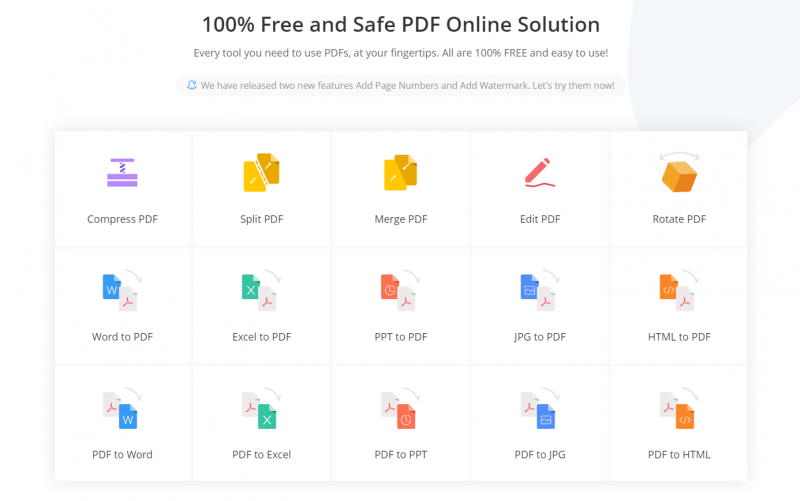
EasePDF is a strong website with over 20 tools and other tools are still being developed and updated. More importantly, EasePDF is featured by high privacy, sound safety, cross platforms, and high efficiency. If you want to convert JPG to PDF, you can directly choose JPG to PDF tool at EasePDF.

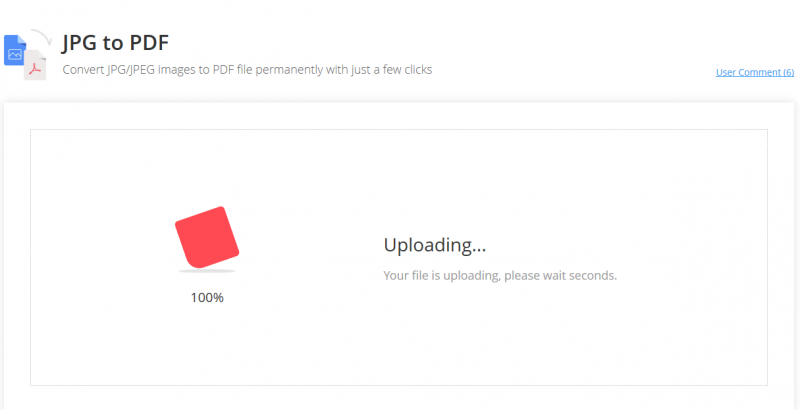
JPG to PDF can help us convert JPG that we need to PDF in several minutes. The quality and efficiency are good as well. It can save us a lot of money and energy.
Since EasePDF integrates multiple cloud storing platforms, we can upload and download files through Google Drive, Dropbox, and OneDrive according to our needs. Furthermore, if you have a URL link to the file, you can click the URL button to upload the file as well. Now, let’s have a look at how to use this tool.
How to Convert JPG to PDF?
Step1. Open the JPG to PDF tool at the EasePDF homepage. Select PDF files that you want to convert from your files by clicking the button “Add File(s)” in red color at the same time.
Step2. When the uploading finished, what you need to do is just waiting for seconds, because the tool will convert JPG to PDF immediately.
Step3. Click the “Download” button in red color and your PDF files will be ready to download immediately. So, you just need to wait for seconds. After the download is complete, you can download it to the local, Google Drive, Dropbox, and OneDrive. You can copy the link to share the file with others directly as well.

Features of EasePDF
-
- Diverse Tools – EasePDF has seven tools series and each series has corresponding tools. For instance, in the “Image to PDF” series, you can choose JPG to PDF, PNG to PDF, BMP to PDF, GIF to PDF. So, we can see there are so many tools in EasePF that provide much convenience when we handle our work and study.
- Free Price – When we buy something or choose something, the first point that many people consider must be the price. What is noticeable is that all of the tools in EasePDF are free, so you don’t need to spend any cent when you use them.
- High Efficiency – When you convert PDF to other files or download files, what you need to do is just waiting for seconds.
- High Privacy and Safety – If you want to convert secret files or other files, it’s unnecessary to worry that your data or information leaked. EasePDF tries its best to guarantee individuals’ and company’s information.
- No Registration – If you are the first time to use EasePDF, you don’t need to register! You can use all of the tools directly.
Because of the features that I have mentioned above, I have listed EasePDF as my often-used office tool. EasePDF provides too much convenience when I deal with my work and study. More importantly, many other tools are still being developed and updated.

Do you often have problems or difficulties with or in converting PDF files? Do you want to improve your work and study efficiency? Don’t hesitate to try EasePDF! It has so many tools that will surprise you in many aspects.